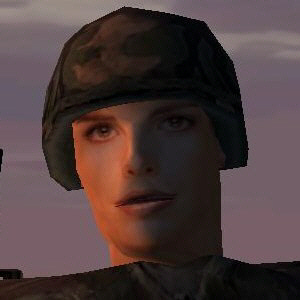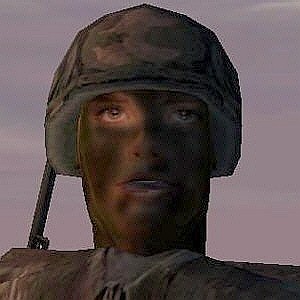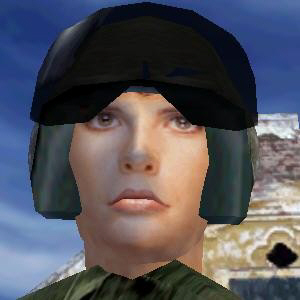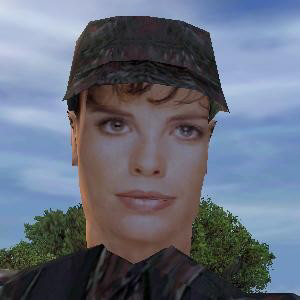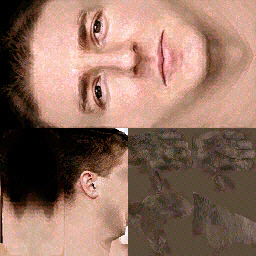
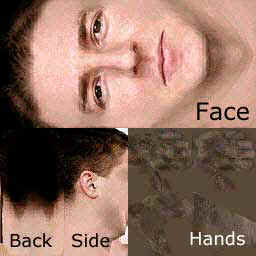
Yes, you can, from OFP V1.10 and above. Here's how:
In your customized image file, try to maintain, as close as possible, the position of the eyes and the mouth as seen in the above template image.
Save your customized image as a file named FACE.JPG to the following directory:
\OperationFlashpoint\Users\your_player_name
Start OFP and click on your player name on the upper left hand corner of OFP's main menu. The SELECT PLAYER menu will be displayed.
On the SELECT PLAYER menu, select your player name and click on EDIT to display the EDIT PLAYER menu.
On the EDIT PLAYER menu, scroll down to the bottom of the FACE selection list on the upper right hand side of the menu. The last entry in the list is name "Custom face". When "Custom face" is selected, you should then be able to see the image taken from your FACE.JPG file. If you like it, click OK on the bottom of the EDIT PLAYER menu to save your changes.
By the way, several people, including yours truly, have asked BIS for the FACE.JPG image of Angelina, Guba's ambitious secretary. Alas, this is not available, says BIS's Robert Stipek, as Angelina's facial model is different than the one used for the custom face image. Sigh!
If you don't want to make your own face and want to choose one already made by someone else, have a look at the SWAF Custom Faces Database on SWAF's site (the face database page's exact URL constantly changes), The OFP Editing Center's face database and at OFP Network's face database.
Now that you've undergone major facial surgery, you might want to have your portrait taken, like mine in the pictures below. I'll see yah on that hill! Look out for me.